Attachments
Frequently Asked Questions
J) How do I use my wallet to transfer funds and tip hosts?
Every registered user has a wallet, and in order to use it, funds need to be loaded into it.
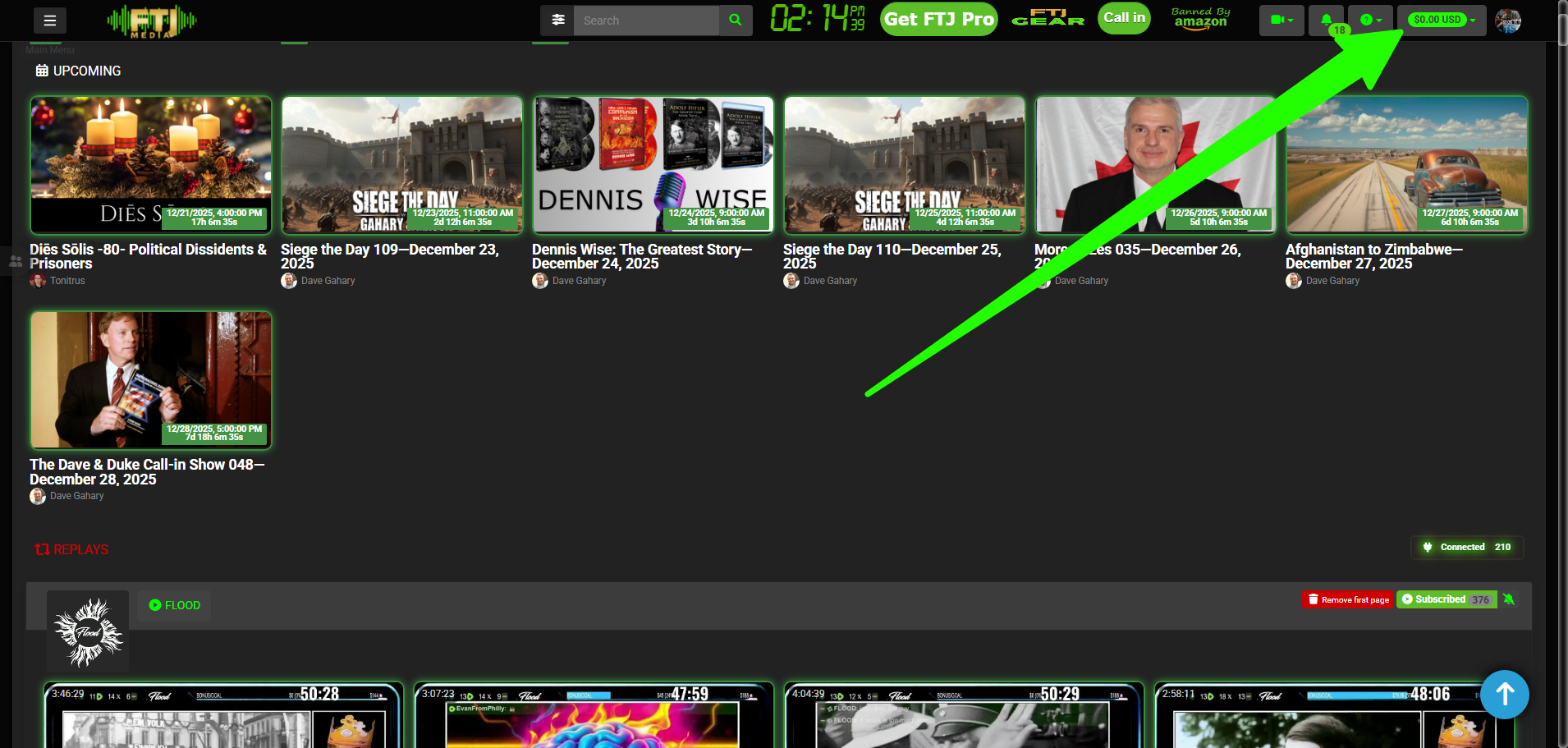
To load your wallet, click the green dropdown:
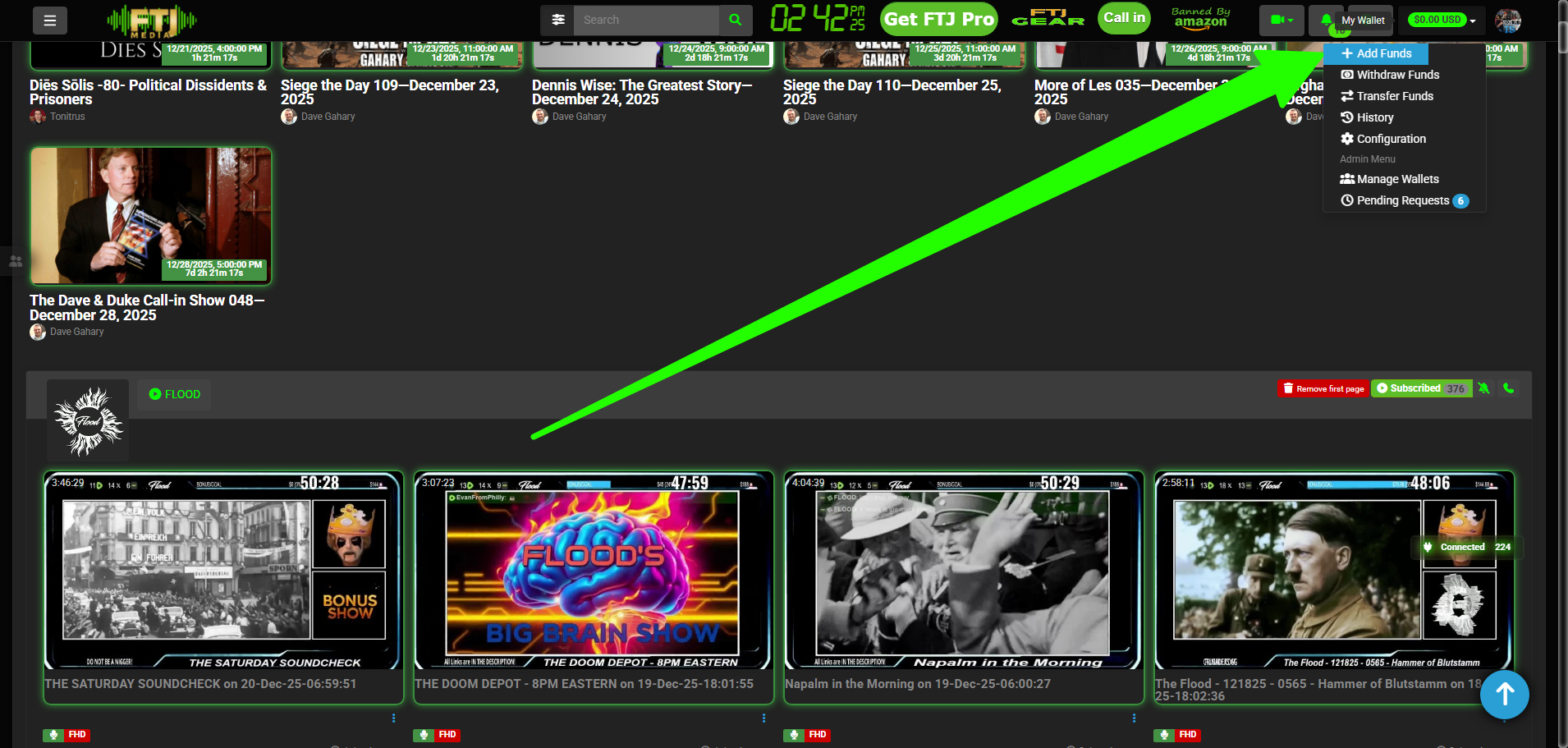
Click Add Funds:
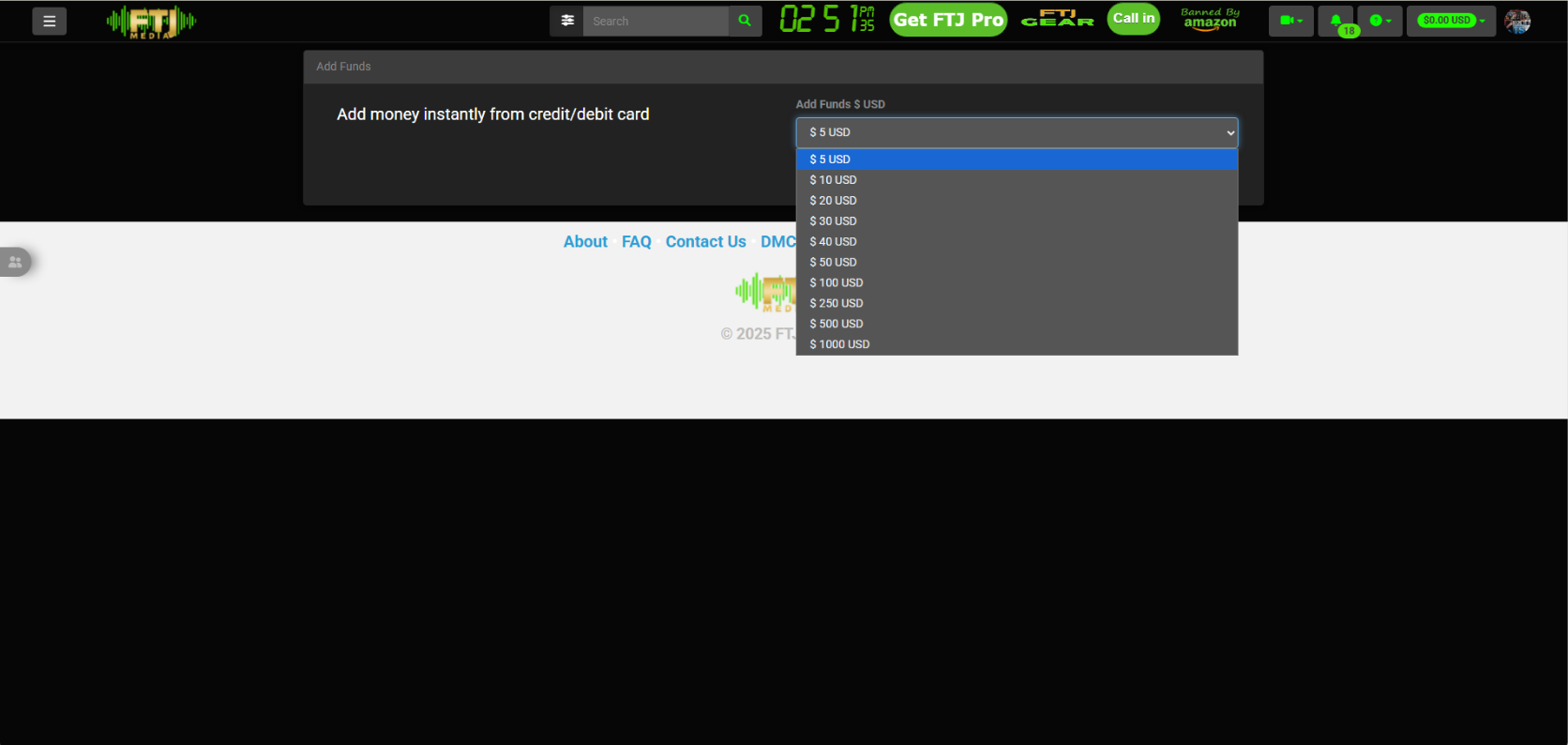
Click the dropdown to select the amount to load:
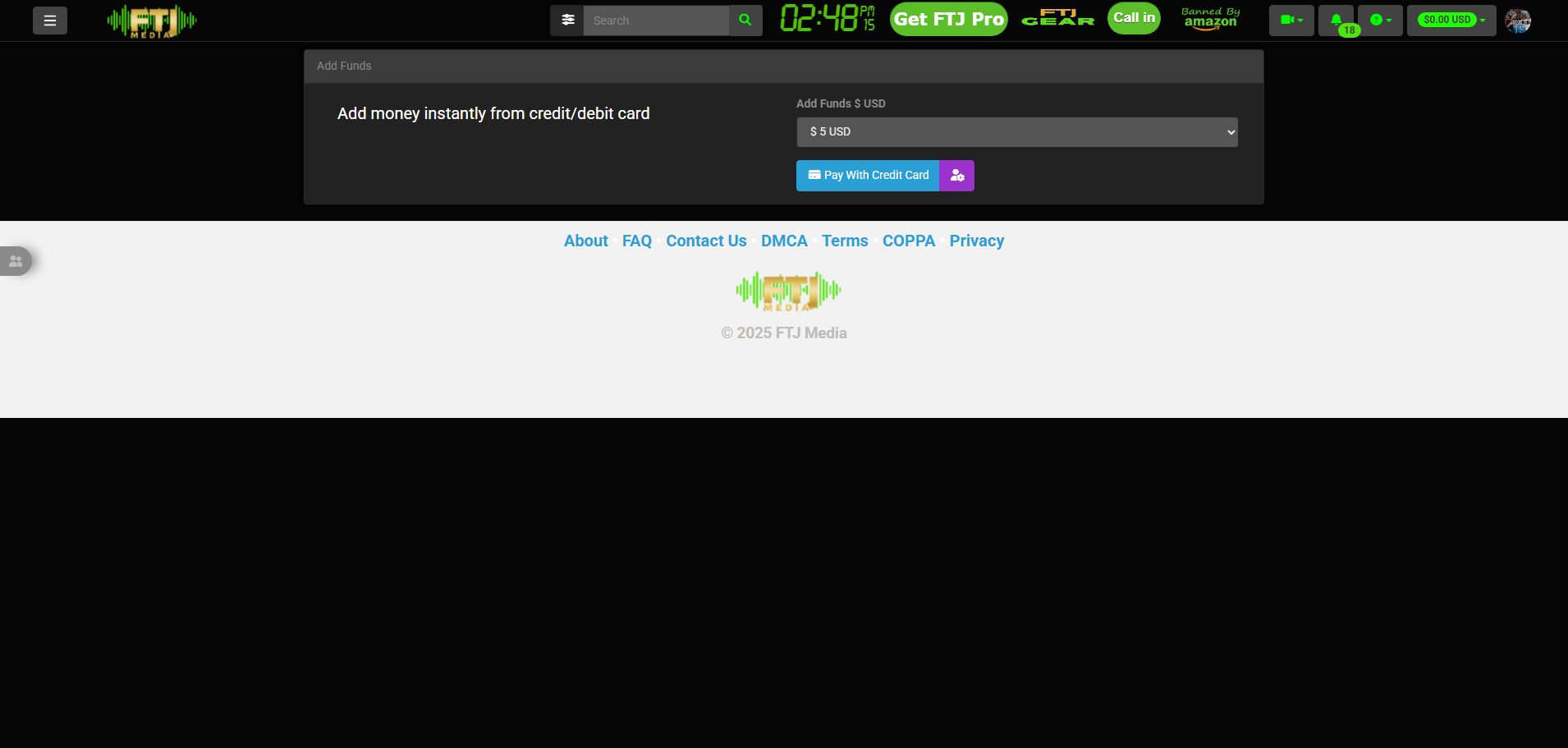
Select the amount you want to load:
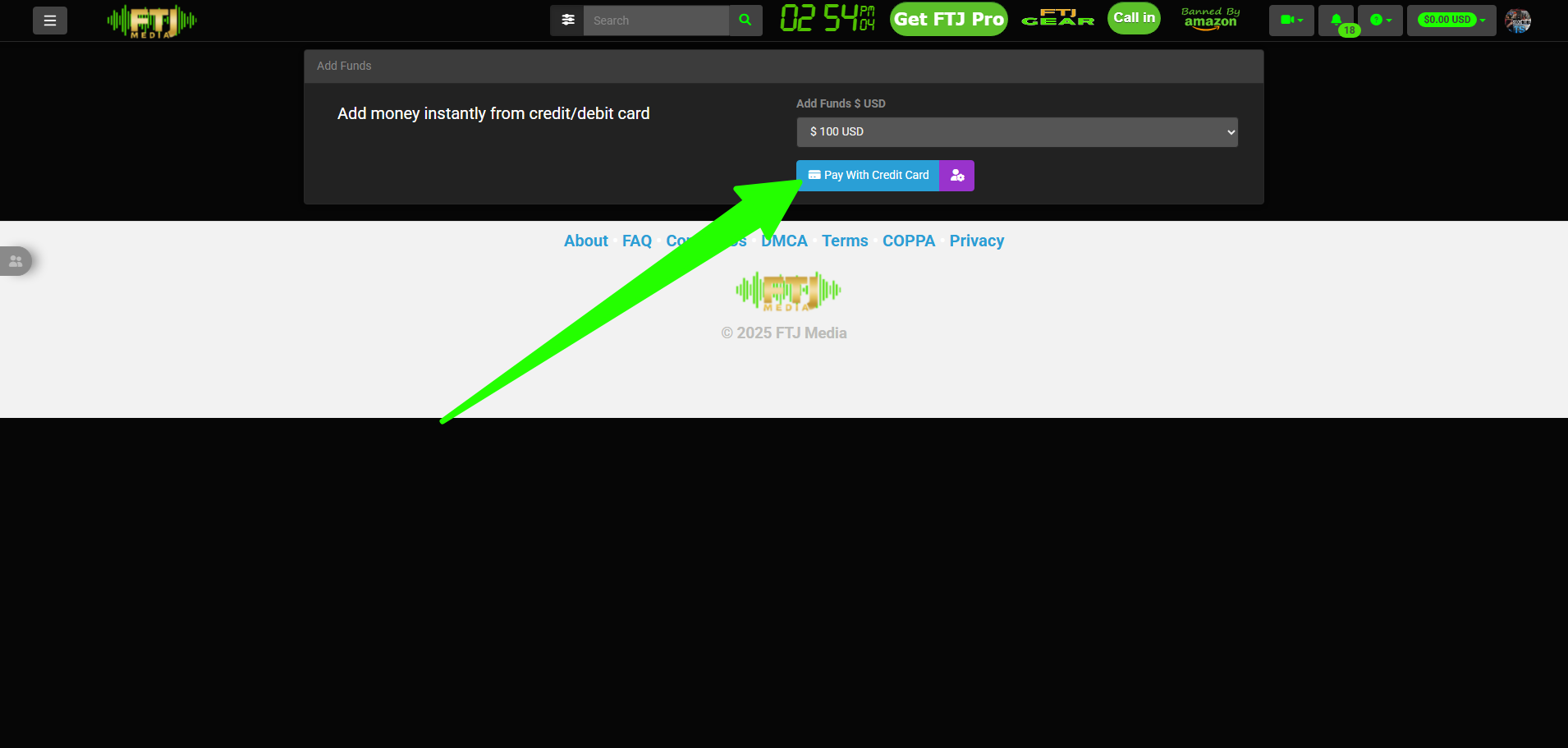
Click Pay With Credit Card (or debit card):
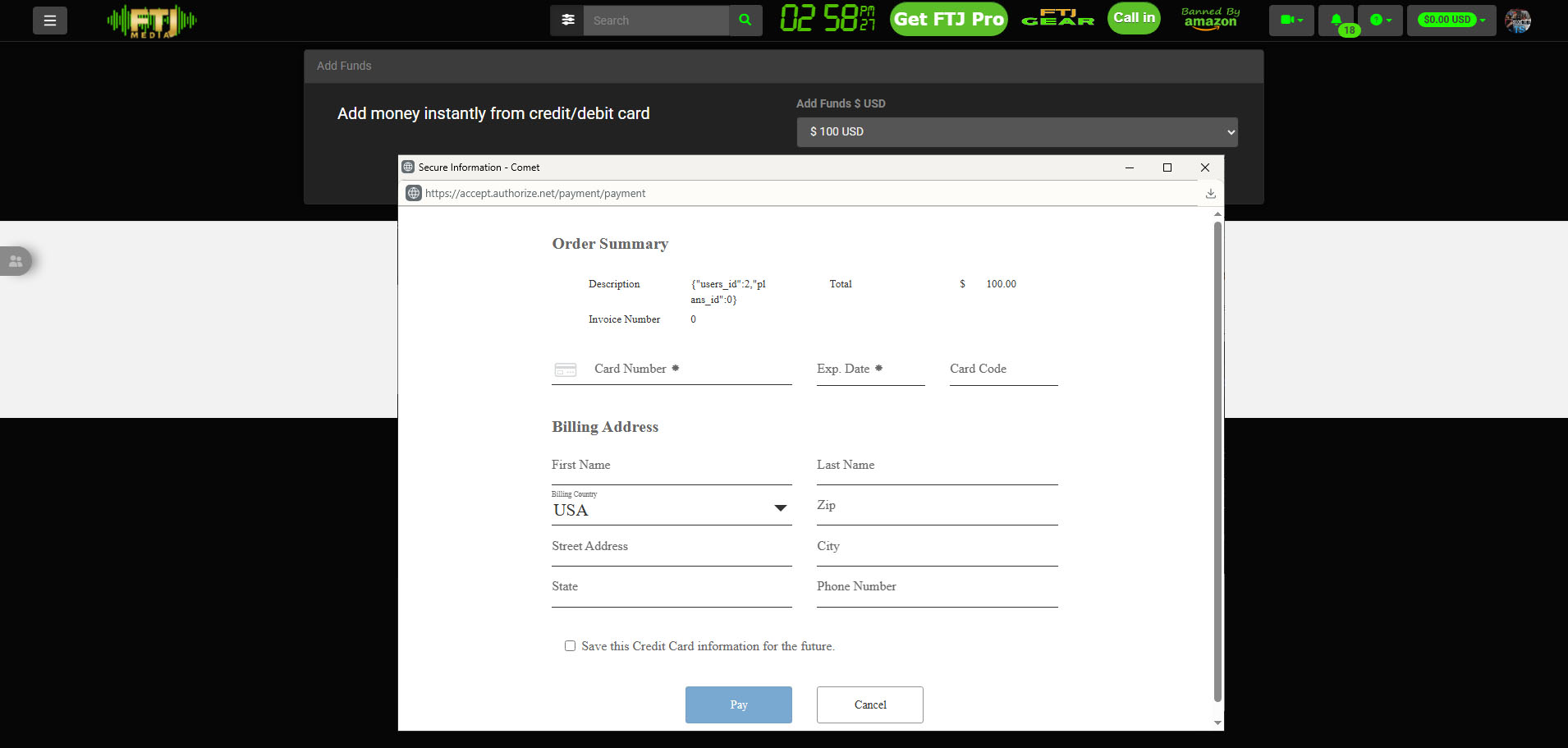
Fill out the form:
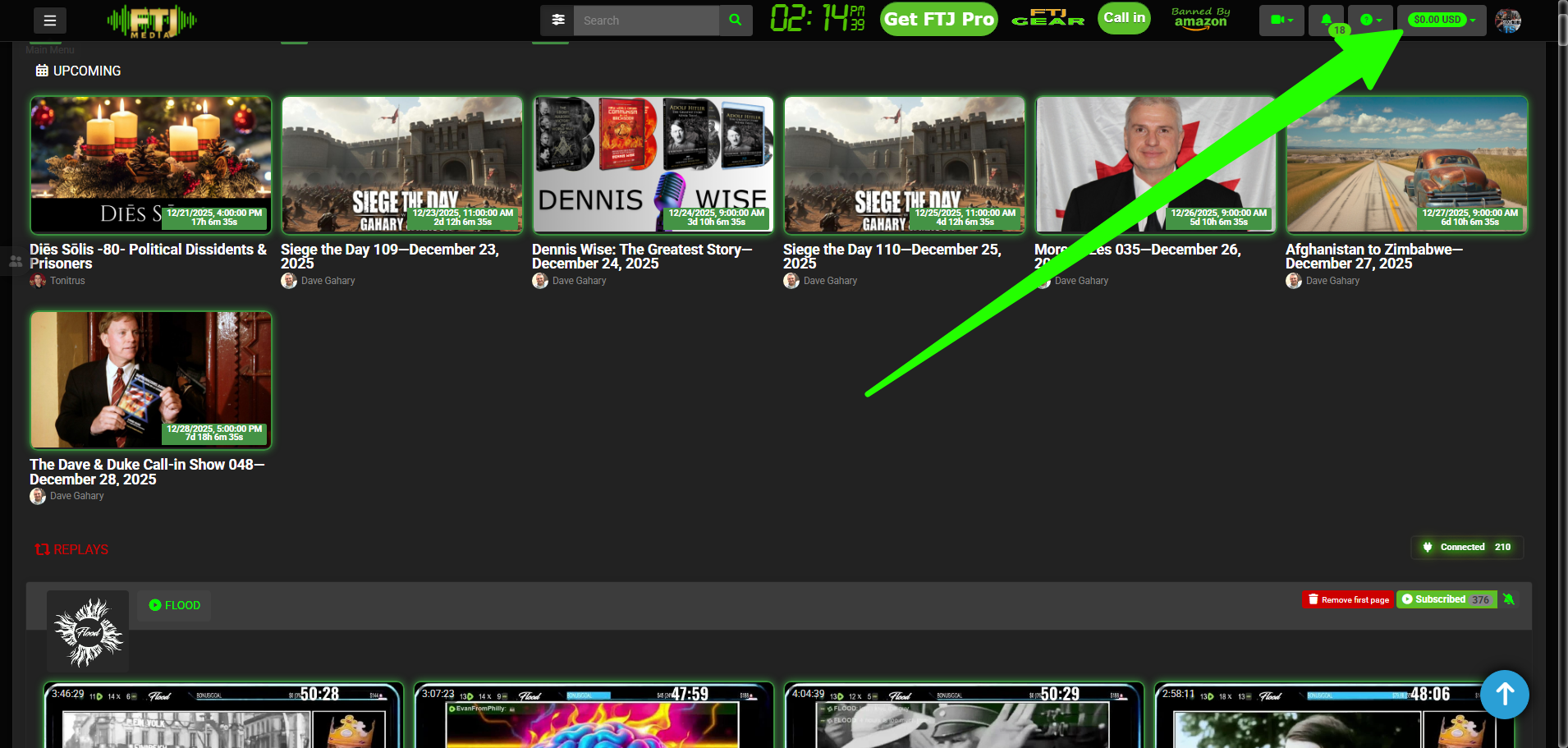
To transfer funds, click the green dropdown:
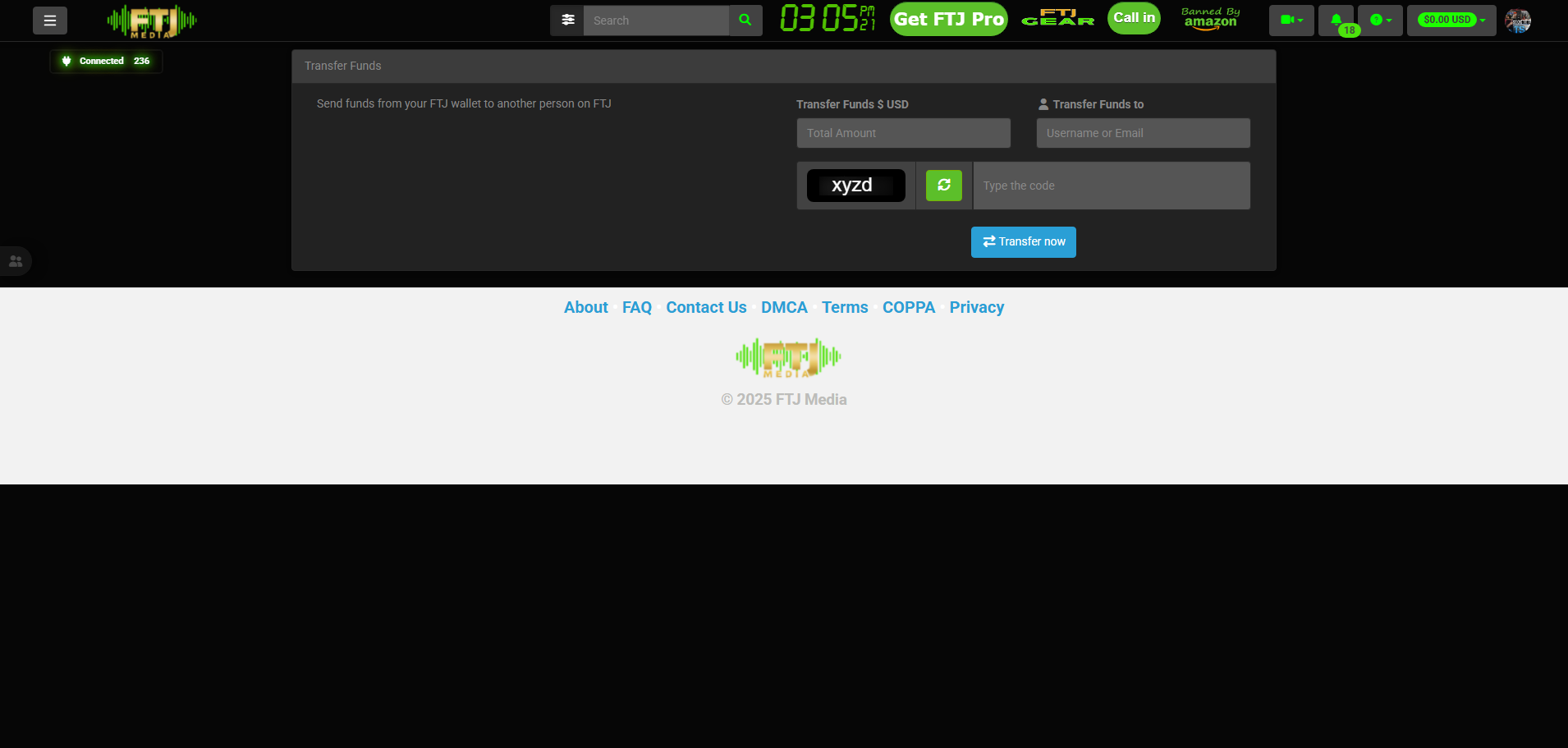
Click Transfer Funds:

Select amount to transfer, who to transfer to, type the CAPTCHA, and click Transfer now:
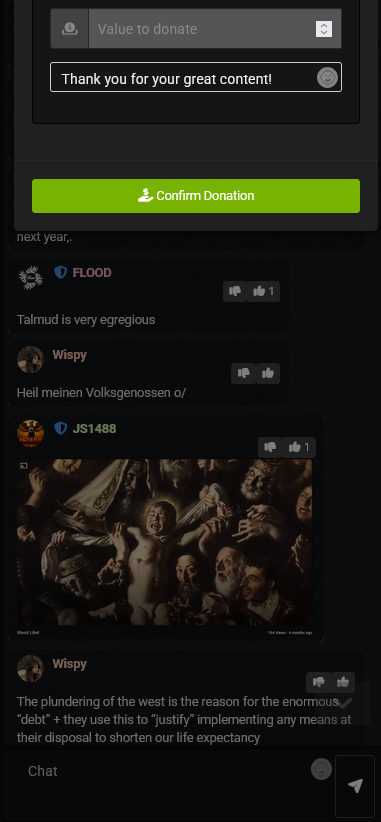
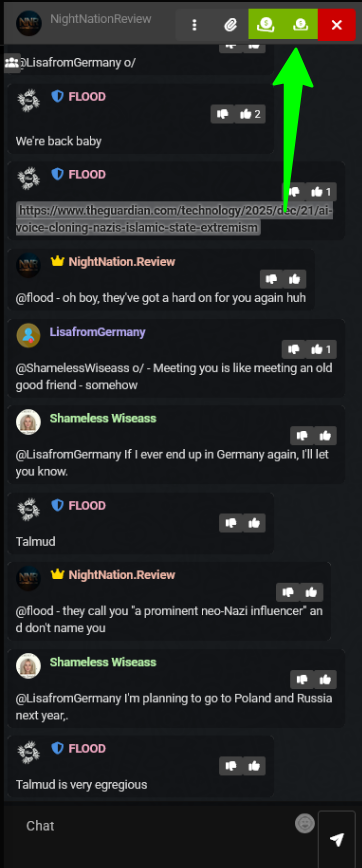
If the chat is not opened, click the image at the bottom right of your screen (the chat default is open).

Hover your mouse pointer over the green box that says Tip using your FTJ wallet and click.
In the Value to donate box type in the number without the dollar symbol ($) you would like to tip.
The message the host will receive with your tip is defaulted to Thank you for your great content!, however, you can replace that with any message you like, then click Confirm Donation.